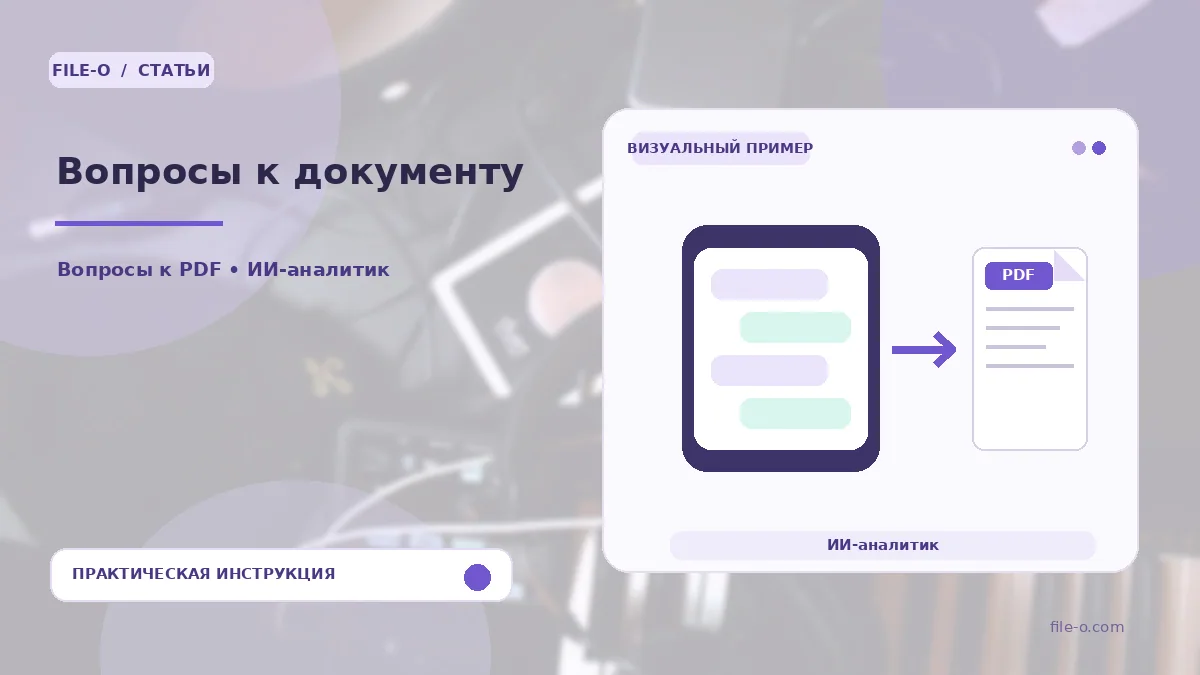
The tool analyzes the content of an uploaded text file, such as a PDF, Word, or Excel document, and lets you get answers to questions about its content in a conversational mode. You ask a question in natural language, and the system extracts and summarizes relevant information directly from the document.
When this is useful
A student uploads a large textbook in PDF and asks for the definition of a specific term to avoid searching through the whole text manually. An analyst studies a multi-page financial report in Excel and wants to instantly find out the total amount for a particular expense item from the previous month.
Step-by-step instructions
- Open the tool and upload a PDF, Word, Excel, presentation, or scanned file from your device.
- Wait for the document processing to finish.
- Type your question into the text field, for example, 'What are the main conclusions of the third section?'.
- Review the answer generated by the AI based on the file's content, and ask a follow-up question if needed.
How to verify the result
Always cross-check the AI's answer against the source text of the document, especially if you plan to use figures, dates, or proper names in official correspondence or reports. If the answer seems incomplete, try rephrasing the question more specifically or indicating the document section it relates to.
Important limitations
The tool works directly in the browser and requires no installation of separate programs. It is designed for searching and summarizing information but does not guarantee absolute accuracy in interpreting complex phrasing or low-quality scanned texts. The free version has a total uploaded file size limit of 20 MiB.