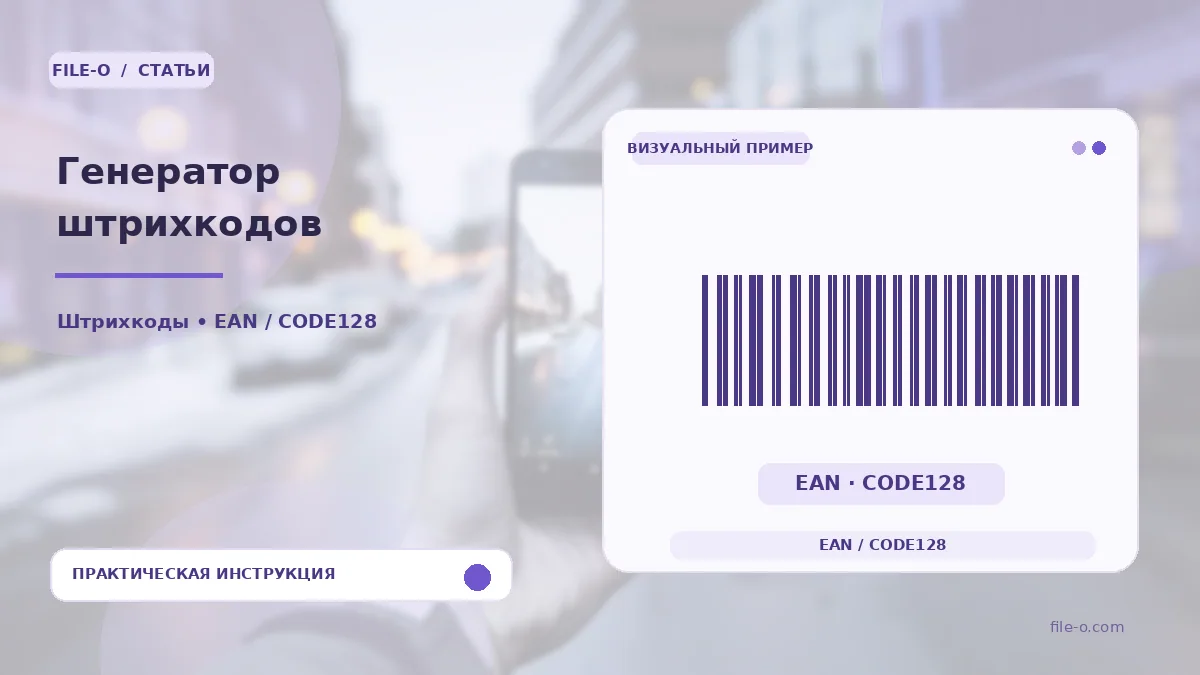
The service is designed to create vector one-dimensional barcodes in Code 128 and EAN-13 formats, ready for printing. The result is a clear, scalable image in SVG format that does not lose quality when resized. You can use it for marking internal SKUs, inventory numbers, or test labels. Generation is performed on the client side, preventing the leakage of your accounting data over the internet.
When this is useful
The first case is that you are managing warehouse inventory and need to print self-adhesive labels with internal product codes that are not sold at retail, using the flexible Code 128 format for letters and numbers. The second example is that you are developing packaging design for a future product and want to visually estimate how a standard 13-digit EAN-13 barcode will look on the mockup before obtaining an official GTIN number.
Step-by-step instructions
- On the tool page, first select the desired barcode type from the dropdown list: Code 128 for arbitrary characters or EAN-13 for strictly 12 or 13 digits.
- Then enter your value into the text field, adhering to the chosen format's restrictions on length and allowed characters.
- After entering the data, the barcode will be generated automatically, and you will only need to click the save button to download the finished file in SVG vector format.
How to verify the result
After downloading, be sure to open the SVG file in a browser or vector editor and visually compare the typed digits with those displayed under the barcode stripes. If you are generating an EAN-13, check whether the automatically calculated check digit matches your expectations, especially if you entered 12 digits. Ensure that when printed on a regular printer, the bars do not merge together but remain sharp and separated.
Important limitations
The generated image is merely a graphical representation of the digits and does not assign your product an official international GTIN code. For the legal sale of products in retail chains, you must obtain a unique number from the GS1 organization, not just draw a picture. The Code 128 format is ideal for internal logistics but will not be recognized at retail store checkouts configured exclusively for EAN.