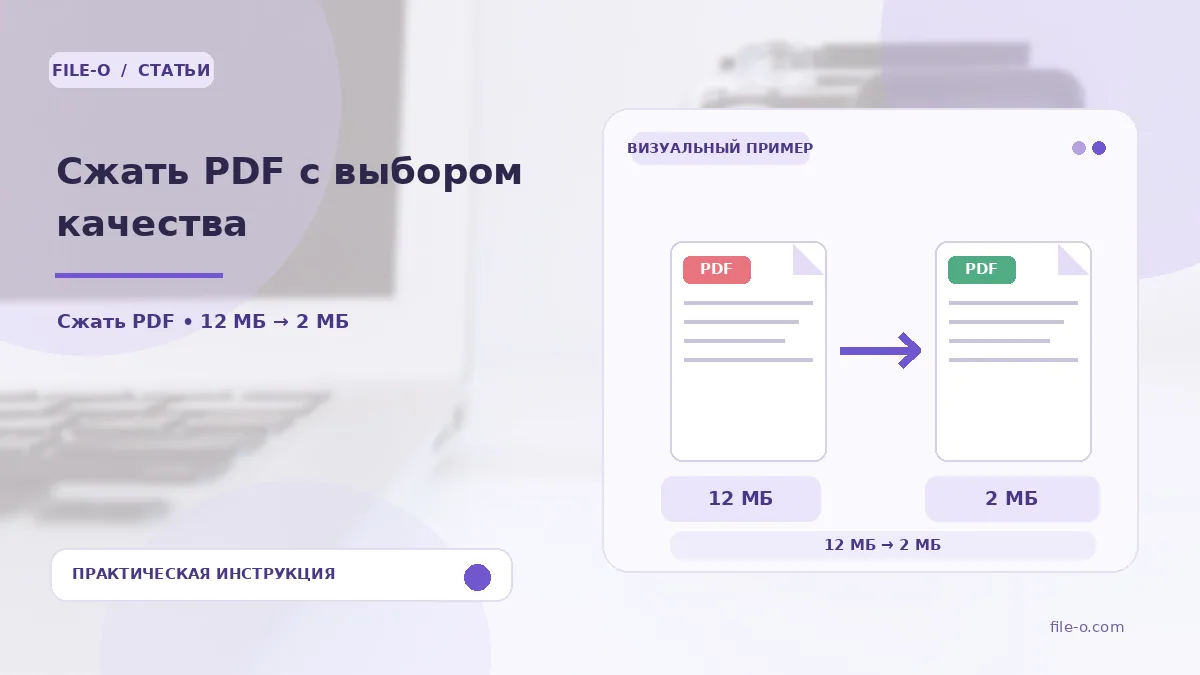
The tool reduces the size of a PDF file by recompressing embedded images and optimizing the internal data structure. You can choose the compression level, balancing visual quality against the final file weight. The result is a new, lighter PDF that is easier to store and share.
When this is useful
First situation: you need to email a contract containing high-resolution photos, but the attachment exceeds the 25 MB limit. Second situation: you are uploading scanned archival documents to a government portal with a strict file size restriction, and it is critical to meet that limit.
Step-by-step instructions
- First, drag and drop the source PDF into the upload area or select it via the browse button.
- Then, in the menu that appears, choose the desired compression profile, such as 'Maximum' or 'Medium'.
- Click the start processing button and wait for it to complete.
- Download the finished compressed file by clicking the link that appears.
How to verify the result
After processing, open the resulting PDF and visually compare it with the original, especially pages with charts and photos. If the text has become illegible or images are overly pixelated, try compressing the file again by selecting a higher quality setting. Ensure all pages are present and their order has not changed.
Important limitations
Compression is most effective for PDFs with large raster images; for files consisting mainly of text, the size reduction may be negligible. The tool does not change the number of pages or delete content, but it may reduce image resolution. The free upload limit for a single file is 20 MB.