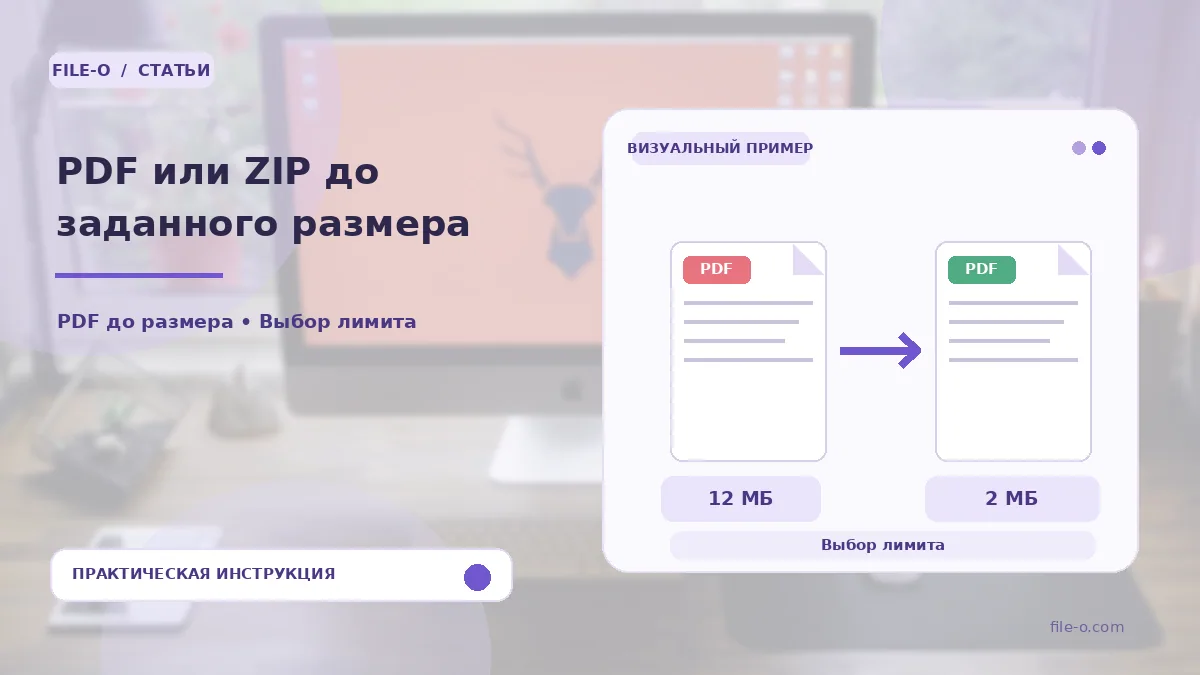
The tool compresses a single PDF document or ZIP archive to a file size you specify in megabytes. You set the target limit, and the service automatically adjusts the compression level of images and data so the final file does not exceed that boundary. The result is the highest-quality version of your document that fits within the given constraints.
When this is useful
Imagine you are submitting a resume and portfolio through a job site with a strict 5 MB attachment cap. You upload your detailed PDF, set the limit to 5 MB, and instantly get a file guaranteed to pass the check. Another scenario: you need to send a ZIP archive of property photos, but the mail server rejects messages over 18 MB, so you use compression down to that exact threshold.
Step-by-step instructions
- First, click the upload area and select the source PDF or ZIP file from your device.
- Then, in the dedicated field, enter the desired maximum size by choosing a standard option or typing a custom value from 0.1 to 90 MB.
- Start the processing and wait for it to finish.
- After that, you can download the optimized file, which will not exceed the specified limit.
How to verify the result
After the operation completes, be sure to check the visual quality of the resulting PDF, especially small text and details on diagrams, as heavy compression can affect readability. If you compressed a ZIP, verify that all necessary files inside the archive are present and open correctly. If the limit is unattainable, the service will show a warning and offer to download the smallest possible file, also indicating which elements prevented further compression.
Important limitations
It is important to understand that the tool does not change the number of pages in a PDF or delete files from a ZIP archive; it only optimizes their content. The service does not execute macros or active attachments inside archives, focusing on safe data processing. If the set limit is physically unattainable due to a large volume of incompressible content, you will receive the best possible attempt, not an exact size match. The built-in archive scan looks for known threat signatures but is not an exhaustive security guarantee.