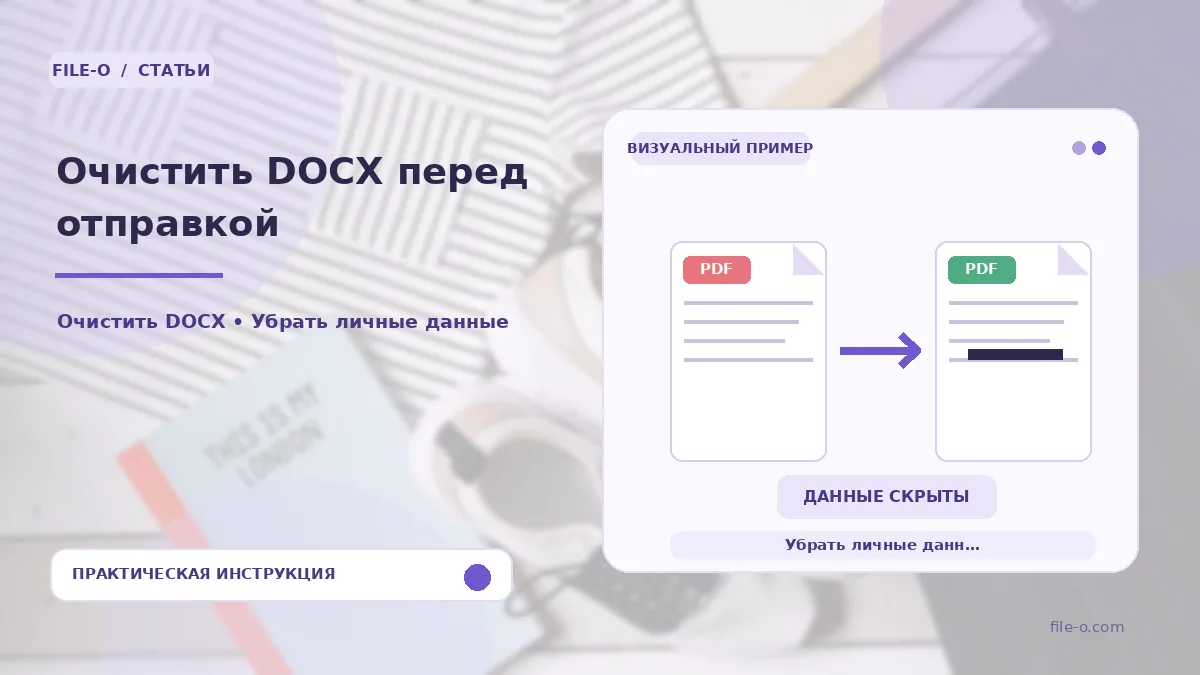
The service creates a cleaned copy of your DOCX file by removing hidden metadata and editing traces from it. It removes the author's name, all comments, revision history, and hidden text. The output is a separate file containing only the visible content, while the service information disappears.
When this is useful
The first situation is when you are preparing a commercial proposal to send to a client and want to hide internal discussions and edits made in the document. The second is when you need to publish a manual, but the file contains personal notes and hidden reviewer marks that readers should not see.
Step-by-step instructions
- Upload the source DOCX file that needs cleaning into the tool's interface.
- Wait for the automatic processing to complete, which analyzes the document's internal structure.
- After that, click the download button and save the resulting cleaned file to your device.
How to verify the result
Open the cleaned file in a text editor and go to the document properties to ensure the author's name is absent. Enable the display mode for hidden text and annotations to visually verify that all comments and non-printing characters have indeed disappeared. Compare the visible text with the original.
Important limitations
The tool works with the DOCX XML package and cleans only text metadata. Visible text, as well as data embedded inside images, is not analyzed or removed. If the file contains third-party archival copies or embedded objects, they will not be affected by the cleaning process.