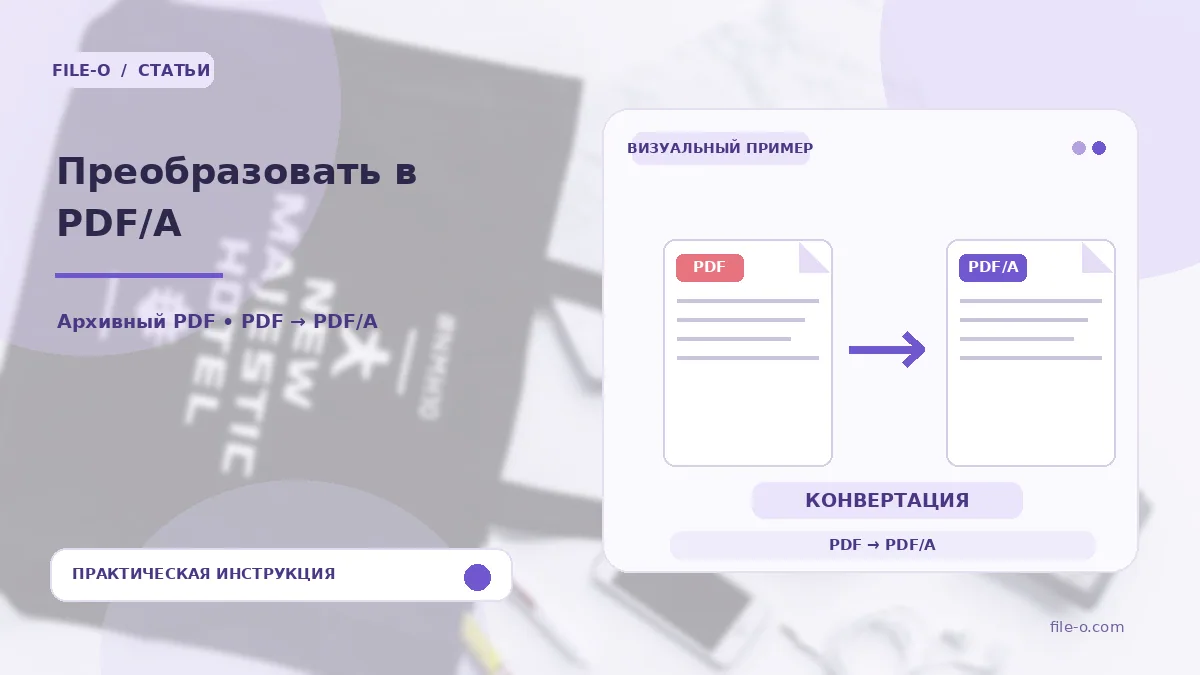
The tool converts a regular PDF document into the PDF/A format for long-term preservation. The output is a file with the selected profile (1b, 2b or 3b) and an embedded color profile, which is necessary to meet basic archival requirements.
When this is useful
An accountant prepares an annual report for submission to a corporate electronic archive where regulations strictly require the PDF/A-1b format. Another scenario: a lawyer needs to send a scanned contract via an EDI system that only accepts files compliant with the PDF/A-2b standard.
Step-by-step instructions
- First, select the desired PDF/A profile from the dropdown list, for example, 2b.
- Then drag and drop your source PDF into the upload area or select it via the browse button.
- Wait for the server processing to finish and click the button to download the resulting archival file.
How to verify the result
After downloading, open the file in Adobe Acrobat or a similar program and check for the presence of the standards navigation panel. Ensure all fonts are displayed correctly and that the text remains accessible for selection and searching.
Important limitations
The service performs basic conversion but does not guarantee full compliance with strict archive or court requirements. Before mandatory submission, be sure to check the result with an independent validator, such as veraPDF, as hidden anomalies may remain.