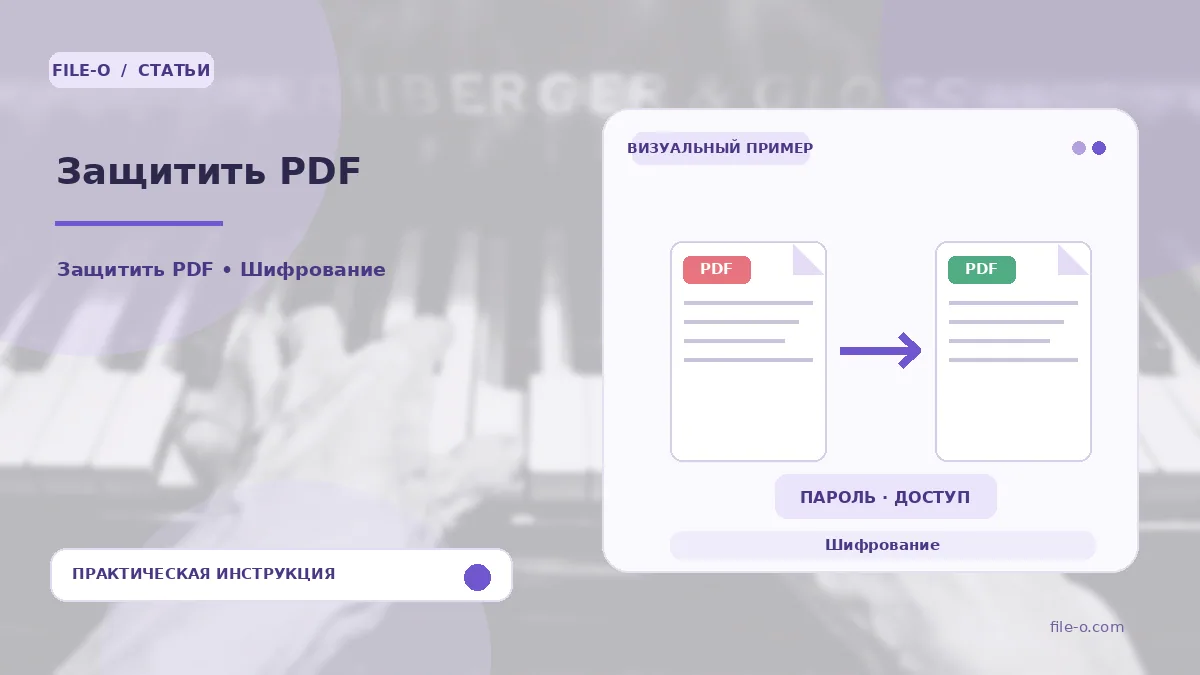
The tool is designed to set a password for opening a PDF document. It allows you to restrict access to the file's content so that the key you set is required to view it. Processing occurs directly in the browser via the website, and the output is a protected copy of your PDF.
When this is useful
A typical use case is sending a confidential bank statement via email, where you want to ensure that only the recipient who knows the password can access the financial data. Another scenario is distributing a commercial proposal among top management to prevent its accidental leakage outside the circle of executives.
Step-by-step instructions
- Select the PDF document you need to protect using the upload button.
- In the settings field that appears, enter the desired password, and then confirm it by typing the same character combination into the second field.
- After that, start the processing and wait for it to finish to download the protected file.
How to verify the result
To verify the result, try opening the downloaded protected PDF file. The system should prompt for a password. Enter the correct password and ensure the document opens and displays correctly. Then try entering a deliberately incorrect password to make sure access to the content is indeed blocked.
Important limitations
Please note that the original PDF file you uploaded remains unchanged — the tool creates a new, protected copy of it. The quality and display of the content in the protected file depend entirely on the structure of the original PDF and are not altered by the tool. Store the password securely, as restoring access to the file will be impossible without it.