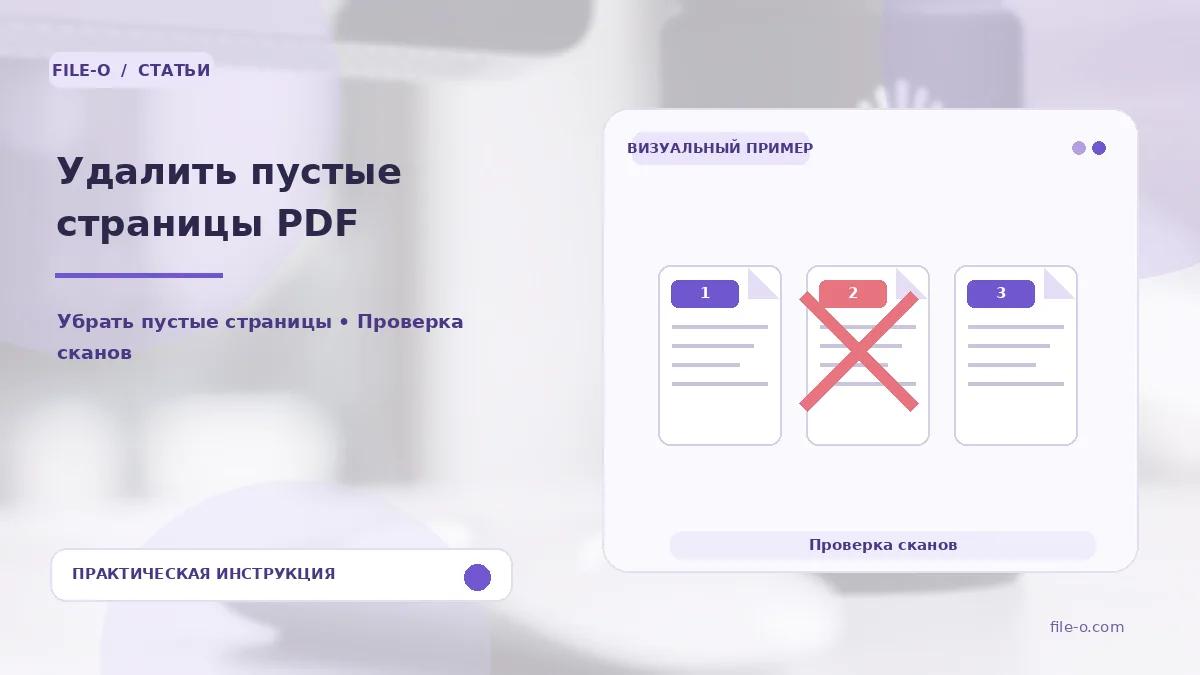
The tool locates and removes genuinely blank pages in a scanned PDF by analyzing light backgrounds and the absence of text. The output is a cleaned PDF file containing only pages with content, which reduces the document size and makes it more convenient for reading and printing.
When this is useful
First scenario: you received a scanned multi-page contract with completely white sheets between the meaningful pages and want to quickly remove them before sending to the counterparty. Second scenario: after batch scanning a stack of documents through an automatic document feeder, blank separator sheets accidentally ended up in the final PDF, and you need to automatically clean the file of this junk.
Step-by-step instructions
- First, upload your PDF file into the tool's interface.
- Next, select a sensitivity level that determines how light the background must be for a page to be recognized as blank.
- Start the processing, wait for the analysis to complete, and download the final PDF from which all detected blank pages have been excluded.
How to verify the result
After downloading, be sure to scroll through the resulting PDF and compare the page count with the original to ensure that pages with very faint watermarks, barely visible stamps, or pencil marks were not removed. If important information is missing, try reprocessing with a lower sensitivity setting.
Important limitations
A key limitation: the algorithm relies on the absence of visible objects, so very pale text, faded stamps, or a light background tint may be mistakenly identified as a blank page and removed. The tool works specifically with scans, not digital PDFs where emptiness is determined by the absence of vector objects, which can yield a different result.